
Dental marketing
AI for Dental Practices: Intake, Chatbot, Recall, and Booking
By Kyle Senger
15+ years in local marketing; Google Ads certified; Shopify Partner.
TLDR
Dental practices in Canada can recover CAD $6,000 to $8,000 per recall campaign by automating outreach to the roughly 30 to 40 percent of active patients who are overdue at any given time, per standard industry benchmarks.
- Recall ROI: A recall automation tool costing CAD $150 to $400 per month can pay for itself in the first week when connected to a live booking system with a current patient list.
- Chatbot setup: Budget 4 to 6 hours for configuration, not 20 minutes, writing practice-specific FAQ answers including CDCP acceptance, before the tool goes live.
- CDCP opportunity: Millions of Canadians became newly eligible under the Canadian Dental Care Plan in 2024, and a chatbot that answers CDCP questions after hours captures patients competitors miss.
- PMS check first: Most practice management platforms (Dentrix, ClearDent, Curve, Open Dental) include recall automation that practices have never turned on.
- Red flag: Any AI booking tool without a direct integration into your practice management software creates a second calendar, not less work.
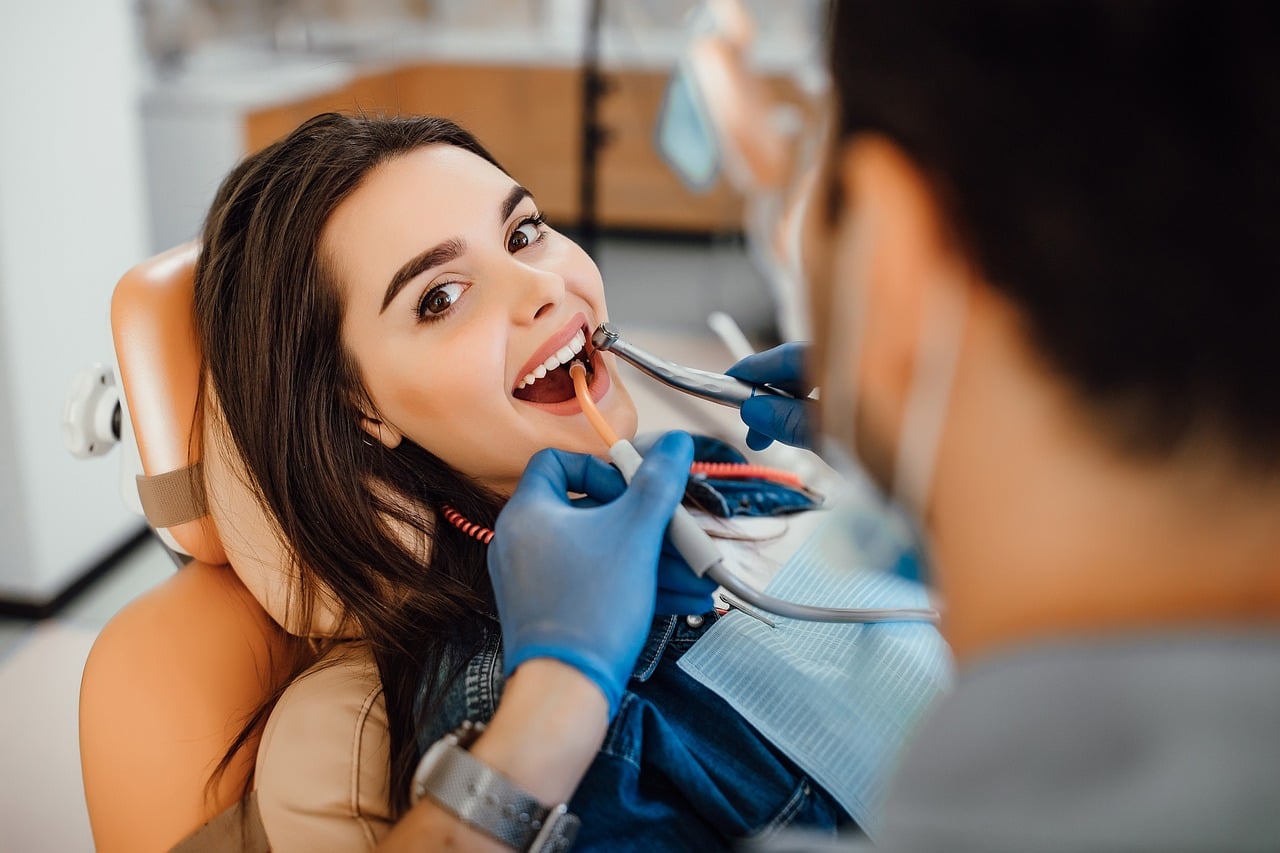
Picture this: it's 11:30 on a Tuesday night. A patient in Mississauga has a toothache. She Googles "emergency dentist," lands on your website, and has a question about whether you take the Canadian Dental Care Plan. Nobody's answering the phone. Your contact form just sits there. So she clicks back and books with the practice down the street.
That's the gap AI for dental practices is actually designed to close. Not some futuristic robot doing fillings. Just a system that handles the routine stuff, 24 hours a day, so you stop losing patients to whoever picks up faster.
This article is about the operational side of AI: intake automation, chatbots, recall, and online booking. We're not covering AI content creation (that's its own conversation, and the RCDSO rules around it are worth reading separately, see what the regulators actually say about AI content for dentists). We're also not covering practice management software in depth, that's handled in our dental practice management software guide. What we ARE covering is the specific question: where does AI actually fit into how a dental practice runs day-to-day, and is it worth the money?
What "AI for Dental Practices" Actually Means in 2026
The term gets thrown around a lot. Vendors use it to describe everything from a basic auto-reply email to a genuinely intelligent scheduling system. So let me break it down into what's real and what's marketing fluff.
There are roughly four areas where AI shows up in a dental practice right now:
1. Front-desk chatbots. A widget on your website that answers common questions, pre-qualifies patients, and routes booking requests. The good ones connect directly to your scheduling software. The cheap ones just collect a name and email and call it a lead.
2. Automated intake. Digital forms that replace the paper clipboard. Some of these are genuinely smart, they pre-fill from previous visits, flag medical alerts, and push data directly into your practice management system. Others are just a PDF you can fill in on a screen.
3. Recall and reactivation. Automated messages (text, email, sometimes phone) that go out to patients who are overdue for a cleaning or haven't booked a follow-up. This is probably the highest-return AI application in most practices right now.
4. AI-assisted booking. Patients book directly through your website or a third-party app, the system checks real-time availability, and the appointment lands in your calendar without a single phone call. Some of these also handle confirmations, reminders, and cancellation fills automatically.
Here's the thing: most of these aren't magic. They're automation with a smarter interface. But when they work, they genuinely change the numbers on new patient acquisition cost and chair utilization.
Where AI Actually Moves the Numbers (And Where It Doesn't)
Let me be honest about something. I've seen practices spend $400/month on an AI chatbot that generates 3 leads. I've also seen a recall automation system pay for itself in the first week. The difference isn't the technology. It's whether the tool is set up to match how that specific practice actually operates.
Here's a worked example using conservative numbers.
Assume your practice has 800 active patients. Industry recall benchmarks suggest roughly 30-40% of active patients are overdue at any given time, meaning somewhere around 240-320 patients who haven't booked a follow-up. If your average cleaning and exam appointment is worth approximately $250 CAD (check your own PMS for your actual number), and a recall campaign converts even 10% of those overdue patients into booked appointments, that's 24-32 appointments, or roughly $6,000-$8,000 in revenue from one campaign.
Most recall automation tools run $150-$400/month. The math isn't complicated.
That said, the math only works if the recall messages are actually going out, actually reaching patients, and actually linking to a booking system that works. I've seen practices where the recall tool was "set up" but nobody had updated the patient list in 14 months. That's not an AI problem. That's a process problem.
Where AI doesn't move the numbers: reputation management. I see vendors pitch AI-powered review tools constantly. The reality is that review volume goes up when your front desk staff ask for reviews consistently, not when a robot sends a text at 9pm. The human ask still outperforms the automated one in most practices I've seen. For a full breakdown of what actually drives your online presence, see our complete guide to dentist SEO.
The Chatbot Question: Worth It or Just a Toy?
I think chatbots get oversold and under-configured. Here's what I mean.
A well-configured dental chatbot can handle:
- Hours and location questions
- "Do you take [insurance plan]?" questions, including CDCP eligibility questions (this is actually a big one since the Canadian Dental Care Plan launched in 2024 and a lot of patients are still confused about which practices accept it)
- New patient intake pre-qualification
- Appointment request routing
A poorly configured chatbot handles none of those things well because nobody spent the time training it on your specific practice's answers. It just says "thanks for your message, we'll be in touch" and the patient bounces.
The setup time matters. In my experience, practices that spend 4-6 hours properly configuring their chatbot's FAQ responses and connecting it to their booking system see meaningfully better results than practices that install it in 20 minutes and move on.
One thing to watch: under the RCDSO's advertising guidelines, any automated communication your practice sends, including chatbot responses, needs to avoid testimonials, superlative claims, and anything that could be construed as a guarantee of treatment outcomes. The rule applies whether a human wrote the copy or a chatbot is delivering it. If you're in Ontario, the RCDSO's advertising standards are the governing document. Other provinces have equivalent college guidelines, check with your provincial college before deploying any patient-facing automated messaging.
For practices in Quebec, there's an additional layer: Bill 96 requires French-language priority in commercial communications, and that applies to automated patient messaging too.
How to Actually Implement AI Tools in a Dental Practice (Week by Week)
This is the piece most articles skip. They tell you what AI can do, not how you actually get from "nothing" to "running."
Here's a realistic implementation timeline for a solo or small group practice adding chatbot, digital intake, and recall automation simultaneously.
Week 1: Audit what you already have. Log into your practice management software (Dentrix, ClearDent, Curve, Open Dental, whatever you're on) and check what automation features are already included. A lot of practices are paying for recall automation they've never turned on. Check your patient list hygiene too. If your database has 200 patients with no email address on file, your recall campaign starts with a data cleanup, not a tool purchase. For a comparison of what the major platforms actually offer on the AI side, see how Dentrix, Open Dental, Curve, and ClearDent compare on AI features.
Week 2: Pick one tool, not three. The mistake I see most often is buying a chatbot, a recall tool, and a new booking widget all at once and then running out of bandwidth to configure any of them properly. Pick the highest-leverage gap first. If you're losing new patients because nobody's answering after hours, start with the chatbot. If your chair utilization is low because existing patients aren't rebooking, start with recall. Don't try to do both in the same month.
Week 3: Configure it for your actual practice. This is where most implementations fail. Generic setup = generic results. For a chatbot, write out the 15-20 most common questions your front desk gets in a week. Those become the chatbot's knowledge base. For recall, decide on your message sequence: how many days after a missed recall appointment does the first message go out? What does it say? Does it link directly to booking, or does it ask the patient to call? Every one of those decisions affects conversion.
Week 4: Test it as a patient. Before you go live, book a fake appointment through your own system. Fill out your own intake form. Ask your chatbot a question. See what breaks. I've seen chatbots that send patients to a booking link that 404s. I've seen intake forms that don't display correctly on mobile. You want to find these things before a real patient does.
Month 2: Measure one thing. Don't try to track everything at once. Pick one metric: chatbot leads converted to booked appointments, or recall messages sent vs. appointments booked from recall. Run it for 30 days. Then decide if the tool is working or if something in the configuration needs to change.
Month 3: Expand or adjust. If recall is working, add the second tool. If the chatbot is generating inquiries but they're not converting, look at what's happening between the chatbot conversation and the actual booking. Usually it's a friction point in the booking flow, not a problem with the chatbot itself.
The CDCP Angle Nobody's Talking About
The Canadian Dental Care Plan launched in 2024 and it's genuinely shifting patient behaviour. Practices that accept CDCP are seeing new patient inquiries from a demographic that previously avoided dental care for cost reasons. That's a real opportunity.
Here's the thing: those patients are often asking the same question over and over. "Do you accept CDCP?" If your chatbot can answer that question clearly, at 11pm, in under 10 seconds, you have a competitive advantage over the practice down the street whose website just says "contact us for insurance questions."
Per the CDCP program data, millions of Canadians became newly eligible for coverage starting in 2024. That's a large pool of patients who are actively searching for practices that accept the plan. If your chatbot, your Google Business Profile, and your website all clearly communicate CDCP acceptance, you're capturing those patients at every touchpoint. If they're not, you're leaving appointments on the table.
For a broader look at how to position your practice in the Canadian market, including CDCP messaging, see our dental marketing strategy for Canadian practices.
What to Watch For When Vendors Pitch You AI
I want to flag a few things I see in vendor pitches that should make you slow down.
"AI-powered" without specifics. Ask the vendor exactly what the AI is doing. Is it a large language model answering patient questions in real time? Or is it a decision-tree chatbot that follows a script? Both can work. But they're not the same thing, and you're paying differently for each.
No integration with your PMS. An AI booking tool that doesn't connect to your practice management software isn't saving your front desk time. It's creating a second calendar they have to manually sync. Ask specifically: "Does this integrate with [your software]?" and ask to see it demonstrated, not just described.
Pricing tied to volume without a cap. Some recall tools charge per message sent. That's fine at low volume. It gets expensive fast when you have 2,000 patients in the recall queue. Get a clear ceiling on what you'll pay monthly.
Promises about Google reviews. Per BrightLocal's 2024 Local Consumer Review Survey, 81% of consumers say they read Google reviews before choosing a local business. Reviews matter. But automated review-request tools don't outperform a well-trained front desk ask. If a vendor is promising a specific review count, ask them to show you case studies with real before-and-after numbers, not projections.
Across the practices I've seen implement AI tools, the ones that get results are the ones where someone on the team owns the tool. Not "set it and forget it." Someone who checks the chatbot conversations weekly, updates the FAQ when new questions come up, and actually looks at the recall conversion numbers. The tool doesn't run itself.
Three Takeaways Before You Spend Anything
1. Start with recall automation. It has the clearest ROI math, it works with patients you already have a relationship with, and most practice management platforms already include some version of it. If you're not using it, that's the first thing to turn on.
2. A chatbot is only as good as its configuration. Budget 4-6 hours for setup, not 20 minutes. Write your own FAQ answers. Test it as a patient before it goes live.
3. AI doesn't fix a broken front desk process. If your phone calls aren't being answered, if your booking flow has friction, if your intake forms are confusing, AI tools will automate those problems, not solve them. Fix the process first, then add the automation.
Related Reading
- Dentrix vs Open Dental vs Curve vs ClearDent: AI Features Compared
- Can Your Dental Practice Use AI for Content? RCDSO/CDSBC/CDSS Rules
- Is Your Practice Showing Up in ChatGPT? AI Visibility Check for Dentists
- Should You Brand as an AI Dentist? The Patient-Trust Tradeoff
- Dentist SEO: The Complete Guide for Canadian Practices