
Automotive Marketing for Canadian Dealers
AI Photography for Dealerships: Background Removal, Lifestyle Shots, and What's Actually Worth Paying For
By Kyle Senger
15+ years in local marketing; Google Ads certified; Shopify Partner.
TLDR
AI photography tools like Spyne process dealer inventory images after capture, replacing lot backgrounds with studio or lifestyle scenes for roughly CAD $300 to $600 per month, with a projected conversion lift from 2% to 2.5% adding 2 to 3 additional used-unit deals monthly.
- Core function: Spyne and similar tools handle background removal and lifestyle scene compositing after your team photographs the vehicle, not instead of it.
- Compliance risk: OMVIC, MVSABC, and Alberta's MVIA prohibit misleading representations, so AI backgrounds are permitted but AI-added features or hidden damage are not.
- Math check: at CAD $2,500 average front-end gross, 2 to 3 extra deals per month covers a CAD $600 subscription several times over.
- Vendor test: run the trial on a 2019 F-150 with a roof rack, not the vendor's sedan demo.
- Limits: no tool fixes a dirty car, missing interior angles, or a Google Business Profile below 4.0.
Picture this: you've got 47 used vehicles sitting on the lot. Your photographer came Tuesday. Photos are decent, vehicles are clean, everything looks fine. But your VDPs are getting views and not converting. Shoppers click, scroll four photos, and bounce.
Here's what's probably happening. Your photos look like every other dealer's photos. Same grey asphalt background. Same flat Saskatchewan sky. Same three-quarter angle shot repeated across 200 listings. And now there are tools that can fix that in about 15 minutes per vehicle, without a photographer, without a studio, and without a $40,000 photo booth.
That's what this article is about: AI photography tools for dealerships, specifically background removal and lifestyle image generation. What works, what's marketing fluff, and how to actually evaluate whether it's worth the subscription. If you want the bigger picture on how photography fits into your overall digital strategy, our complete guide to auto dealership marketing covers that context well.
What AI Photography for Dealerships Actually Does
Let's be clear about what these tools are and aren't.
AI photography tools for dealerships don't take photos. You still need someone to walk the lot with a phone or camera. What these tools do is process the images after the fact, and two specific features are worth your attention: background removal and lifestyle scene replacement.
Background removal is exactly what it sounds like. The AI detects the vehicle, cuts it out from whatever was behind it (chain-link fence, other cars, garbage cans, a service bay door), and replaces it with something cleaner. Usually a white or gradient studio background. Sometimes a specific environment.
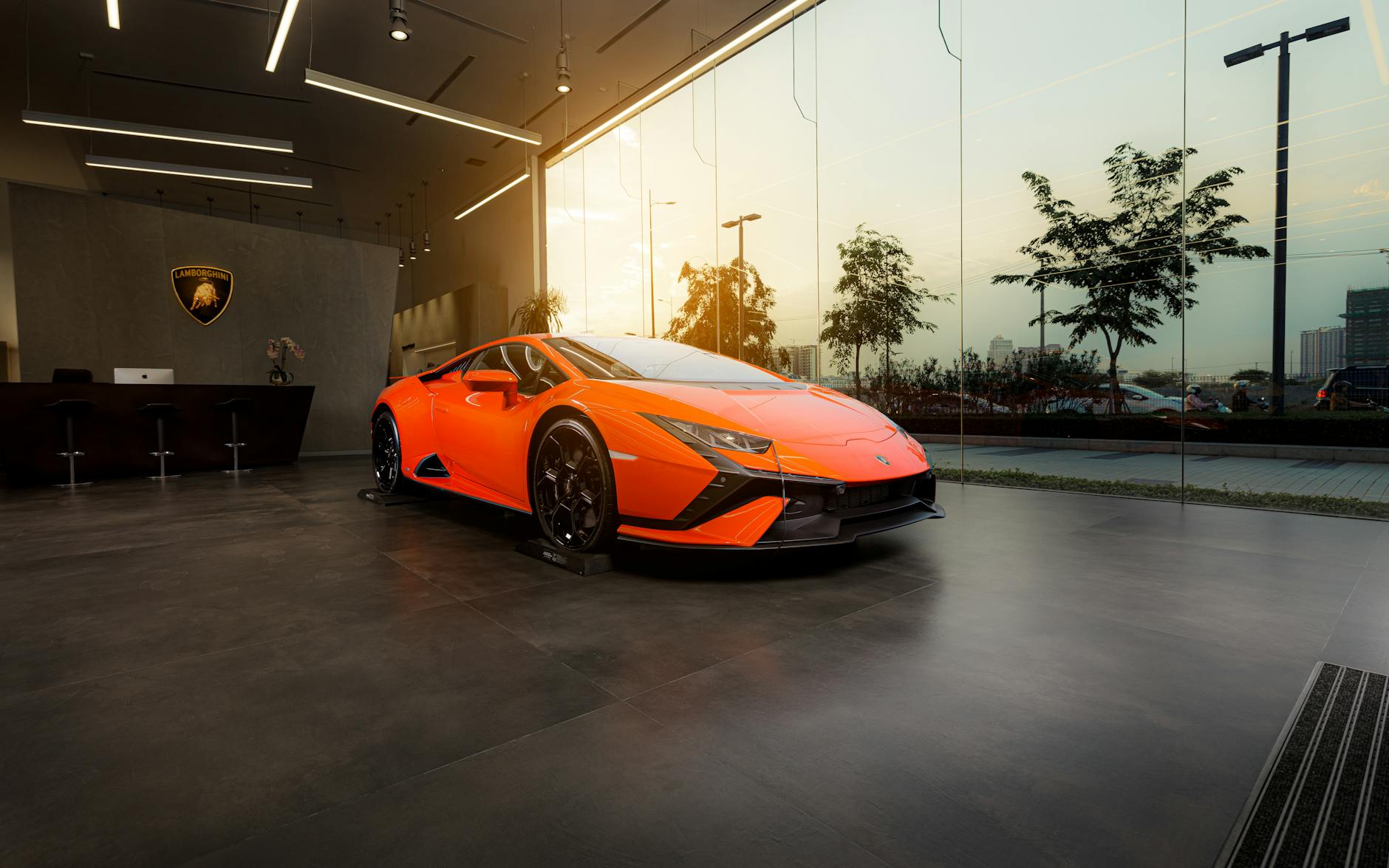
Lifestyle scene replacement goes further. The tool composites your actual vehicle into a pre-built background scene: a mountain road, a city street, a cottage driveway, a snowy highway. The vehicle is real. The background is generated or stock. The result looks like a location shoot that would've cost you $3,000 and a half-day of logistics.
I think most dealers are underestimating how much this matters to conversion. Not because the photos are prettier, but because they signal something to the shopper. A vehicle on a clean background or a lifestyle scene says "this dealership cares about presentation." A vehicle parked sideways in front of a dumpster says the opposite. Shoppers don't consciously notice this. They just click away faster.
The Tools Dealers Are Actually Using in 2026
A few names come up consistently when dealers talk about AI photography. I'll give you the honest version of each.
Spyne is probably the most dealer-specific tool in this space. It handles background removal, studio replacement, and lifestyle scenes. It also does a decent job with 360-degree spin photography if your team captures the right footage. Pricing is per-image or subscription-based depending on volume. For a single-rooftop dealer moving 60-80 units a month, you're typically looking at a few hundred dollars monthly.
Impala and Photoroom are more general-purpose tools that dealers have adapted for automotive. They're cheaper, sometimes free at low volumes, and the quality on background removal is genuinely good. Where they fall short is automotive-specific features: they don't know what a wheel arch is, they don't handle reflective surfaces as well, and they won't have pre-built dealership-relevant lifestyle scenes.
OfferUp / Dealer.com built-in tools are starting to integrate basic AI photo processing directly into inventory management platforms. If you're on Dealer.com or a similar platform, check what's already included before you buy a separate subscription. You might be paying twice for the same thing.
Studio-grade AI photo booths (companies like Iris Works, AutoVision AI) are a different category entirely. These are physical booths or structured capture systems that combine consistent photography with AI processing. The output is excellent. The cost is $15,000-$40,000 upfront. Worth it for high-volume groups. Probably not for a single-rooftop dealer doing 40 units a month.
In my experience, single-rooftop dealers get the most value from a mid-tier subscription tool like Spyne combined with a disciplined photo process. The tool doesn't fix a bad photo process. It enhances a decent one.
What Good Looks Like: A Week-by-Week Implementation Process
Here's how a realistic rollout looks for a single-rooftop dealer starting from scratch with an AI photography tool.
Week 1: Audit your current photo process first.
Before you buy anything, pull up your last 20 VDPs and actually look at the photos. Count how many have distracting backgrounds. Count how many are missing interior shots. Count how many show vehicles with doors open vs. closed. This audit tells you whether your problem is the background or the underlying photo process. If half your photos are blurry or missing key angles, an AI background tool won't save you. Fix the capture process first.
Week 2: Set up the tool and run a test batch.
Sign up for a trial (most tools offer 7-14 days free). Take 10 vehicles currently in inventory and run them through the background removal. Compare the before and after. Pay attention to edge cases: vehicles with roof racks, convertibles with the top down, trucks with accessories. These are where AI tools struggle most. If the tool handles your typical inventory reasonably well, move forward.
Week 3: Establish your standard output settings.
Pick one background style and stick to it across your inventory. Consistency matters more than variety here. A white studio background applied uniformly looks intentional. The same tool applied inconsistently, some white, some lifestyle, some left as-is, looks like you forgot to finish. Decide on your standard, write it down, and make it part of your photo process documentation.
Week 4: Integrate into your VDP upload workflow.
This is where most dealers drop the ball. The tool works great, then photos still get uploaded raw because the person uploading that day didn't know to run them through first. Build the AI processing step into the actual upload checklist. If your lot attendant or BDC person is uploading photos, they need a one-page process that says: take photos, run through [tool], download processed versions, upload to inventory system. That's it.
Month 2: Measure VDP engagement, not just aesthetics.
Pull your VDP view-to-lead conversion rate before and after. If your platform (Dealer.com, DealerOn, CDK) gives you per-listing analytics, compare vehicles with processed photos vs. unprocessed. You're looking for whether shoppers are spending more time on the listing and whether form submissions or chat initiations go up. This is your proof point for whether the tool is earning its subscription cost.
The Compliance Question Canadian Dealers Need to Ask
This is the piece most AI photography articles skip, and it's the one that can actually cost you.
In Canada, advertising regulations for dealers are specific about what you can and can't imply about a vehicle. OMVIC in Ontario is the strictest: under the Motor Vehicle Dealers Act, any advertisement must not be misleading about the vehicle's condition, features, or availability. If you're using a lifestyle background that makes a base-trim Civic look like it's on a mountain road next to a ski chalet, that's probably fine. If you're using AI to make a vehicle look like it has features it doesn't have (chrome wheels it doesn't come with, a sunroof it doesn't have), that's a problem.
MVSABC in BC and MVIA in Alberta have similar prohibitions on misleading representations, though the specific language differs by province. Quebec's OPC adds bilingual requirements on top of that.
The practical rule: AI backgrounds are fine. AI-generated vehicle modifications are not. Don't use these tools to add features to vehicles. Don't use them to hide damage. Don't use a lifestyle scene so aspirational that it implies a vehicle capability the trim level doesn't deliver.
This also connects to OEM co-op compliance. If you're running OEM-approved campaigns using co-op funds, your creative assets often need to meet OEM brand standards. Some OEMs have specific rules about background colours, logo placement, and how vehicles can be displayed. Check your co-op program guidelines before you assume AI-processed photos are automatically eligible for co-op reimbursement.
The Math: Is the Subscription Worth It?
Let me show you the actual calculation, because "it improves conversion" is meaningless without numbers attached.
Assume you're a single-rooftop dealer moving 60 used vehicles a month. Your current VDP-to-lead conversion rate is roughly 2% (a reasonable baseline for a mid-market Canadian dealer, per general digital retail benchmarks). That means 60 VDPs generating leads at 2% gives you about 1.2 leads per vehicle listed, or roughly 72 leads from your used inventory in a month.
If improved photography moves your VDP conversion rate from 2% to 2.5%, that's 90 leads from the same inventory. 18 additional leads a month.
If your close rate on VDP-sourced leads is 15%, that's about 2-3 additional deals per month from the conversion improvement alone.
At an average front-end gross of $2,500 per used unit (use your actual number from your DMS), that's $5,000-$7,500 in additional gross per month.
A mid-tier AI photography subscription for a dealer at this volume runs roughly $300-$600/month (per Spyne's published pricing tiers as of 2026).
The math works, assuming the conversion lift is real. That's the assumption to test, which is why the Month 2 measurement step above isn't optional.
What AI Photography Doesn't Fix
I want to be honest about the limits here, because a lot of vendors in this space oversell the tool.
AI background removal doesn't fix a vehicle that wasn't cleaned before photos. A dirty car with a beautiful studio background is still a dirty car. Shoppers notice.
It doesn't fix missing angles. If your photo process captures the exterior and skips the interior, the odometer, the engine bay, and the cargo area, no amount of background processing changes that. Shoppers want to see everything.
It doesn't fix your VDP copy. If the listing description is three sentences of generic text ("Great vehicle, low mileage, must see!"), better photos will get shoppers to the page, but the copy will lose them. For that problem, see AI-generated VDP copy at scale, which covers how to write 200 listings in an hour without them all sounding identical.
And it definitely doesn't fix your reputation. If your Google Business Profile rating is below 4.0, shoppers who find your VDPs through organic search are going to check your reviews before they fill out a form. Photos won't save a 3.2 rating. For that, dealership reputation management is a separate conversation worth having.
How to Evaluate an AI Photography Vendor Before You Sign
A few things to check before you commit to a subscription.
Ask for automotive-specific examples. Generic background removal tools are built for product photography, not vehicles. Vehicles have complex reflective surfaces, curved glass, chrome trim, and large footprints that stress-test AI edge detection. Ask the vendor to show you examples on trucks, SUVs, and convertibles, not just sedans.
Check the output resolution. Your VDPs and any paid media (Google Vehicle Ads, Facebook Dynamic Inventory Ads) need high-resolution images. Some AI processing tools compress output. Ask for the export specs before you commit.
Understand the turnaround time. If you're uploading 15 vehicles a day and the tool takes 4 hours to process a batch, that's a workflow problem. Some tools are real-time, some batch overnight. Know which you're getting.
Ask whether it integrates with your inventory platform. If you're on Dealer.com, DealerOn, or CDK, ask whether the AI tool has a direct integration or whether your team is manually downloading and re-uploading every image. Manual re-upload is a process that will get skipped under pressure.
Run the trial with your actual inventory, not their demo images. Every vendor's demo looks great. Your lot has a 2019 F-150 with a spray-in bedliner and a roof rack. Test on that.